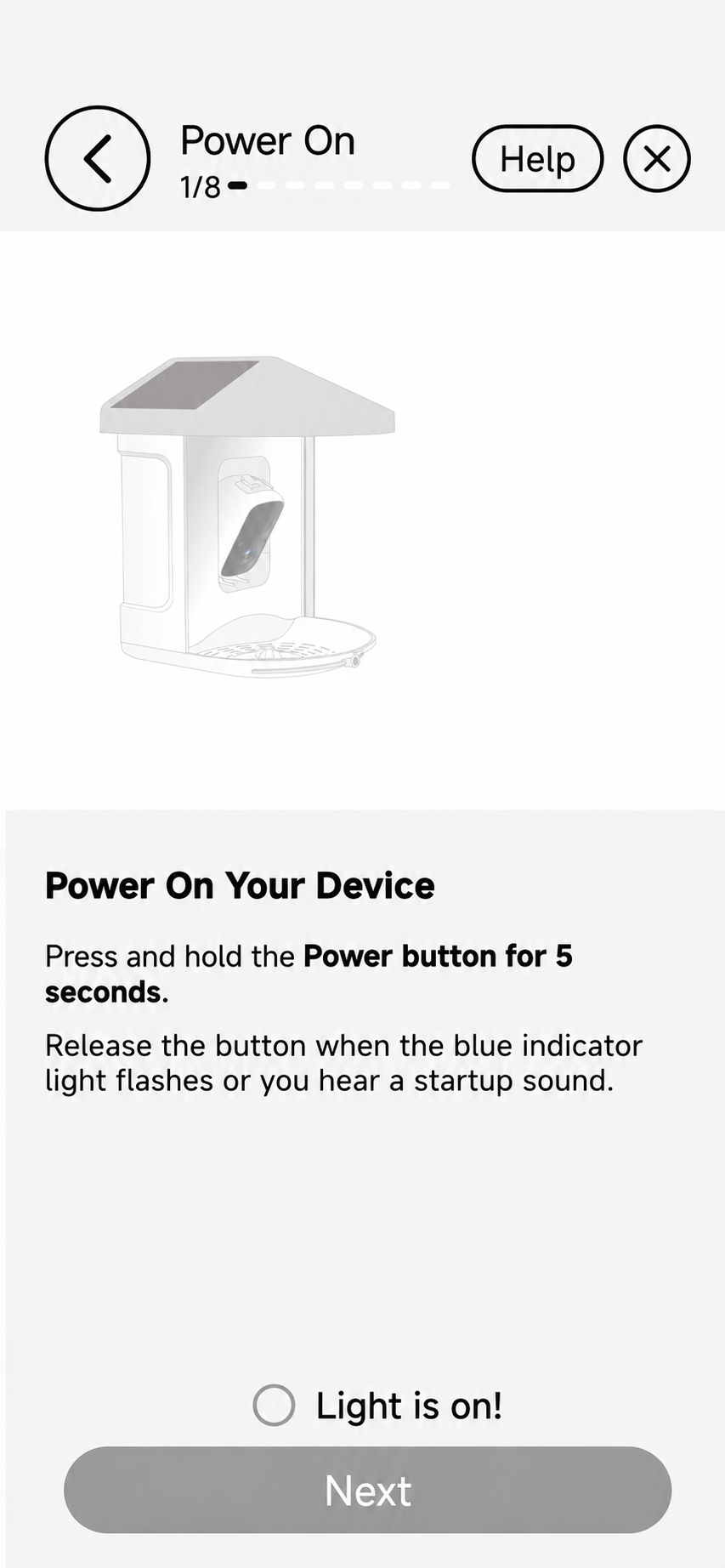
Power on
Follow the on-screen prompts to wake your feeder.

From first connection to everyday discoveries, learn how Birdnee turns your smart feeder into a living story.
Download App ↗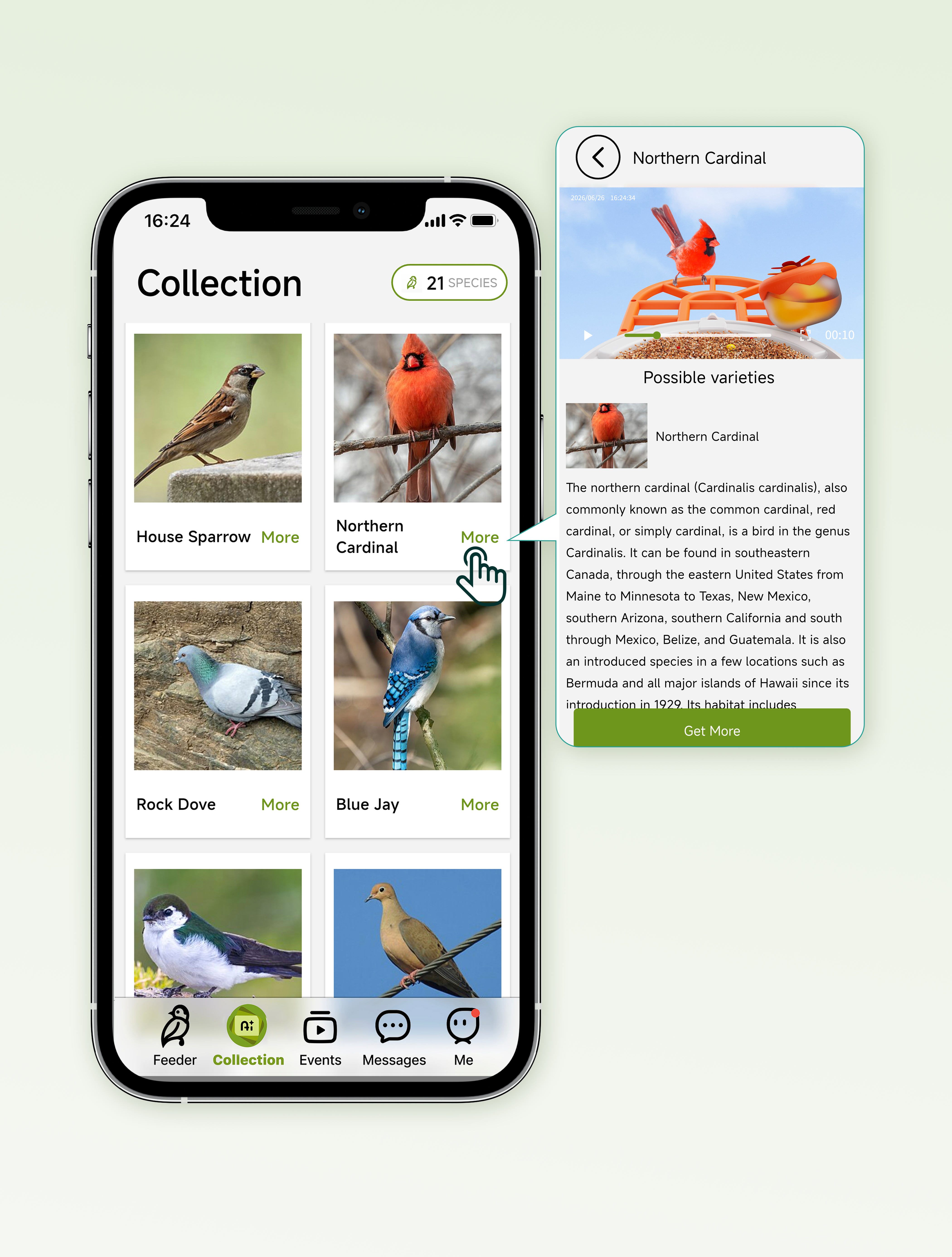
Pair your feeder, connect Wi‑Fi, and give it a name. The guided flow keeps every step clear.
Follow the on-screen prompts to wake your feeder.
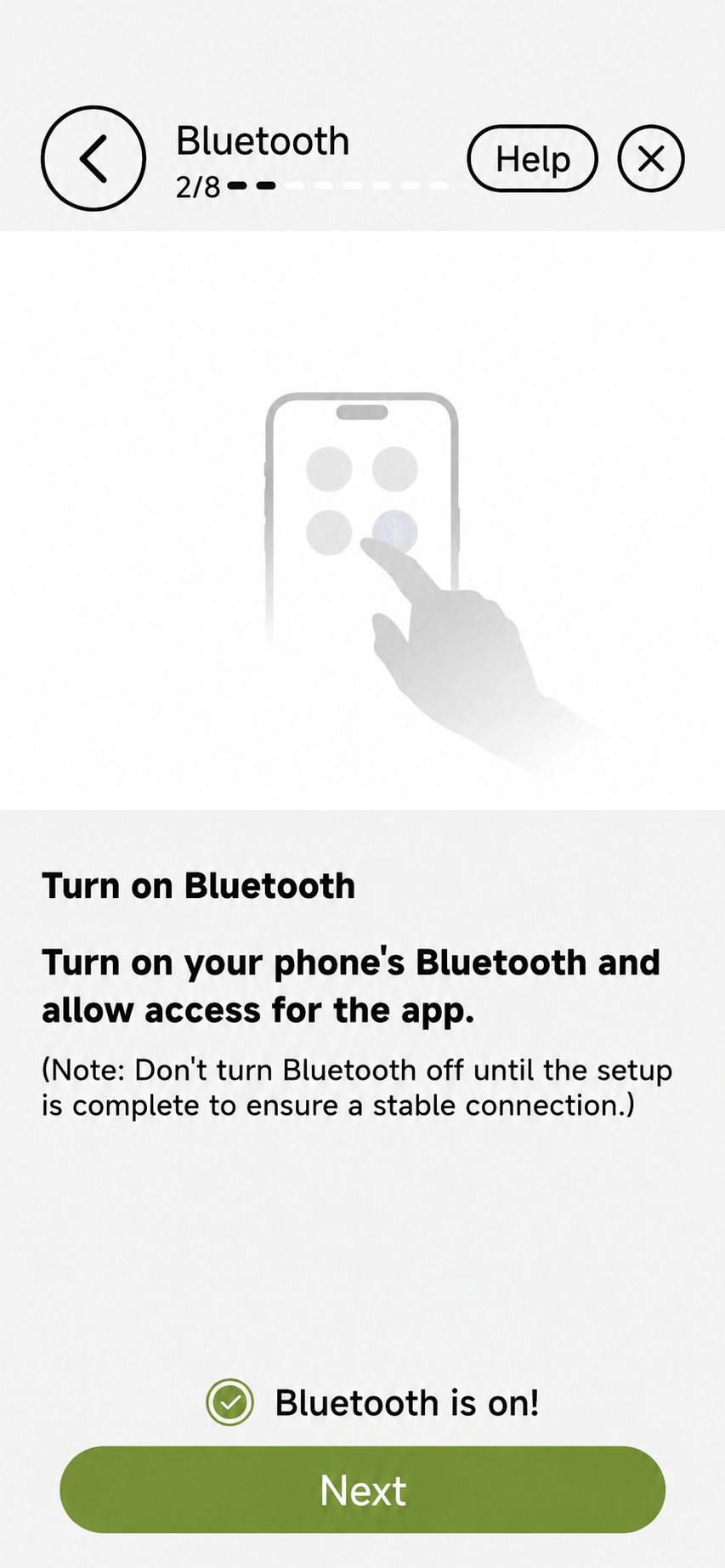
Bluetooth and 2.4 GHz Wi‑Fi get your device online.
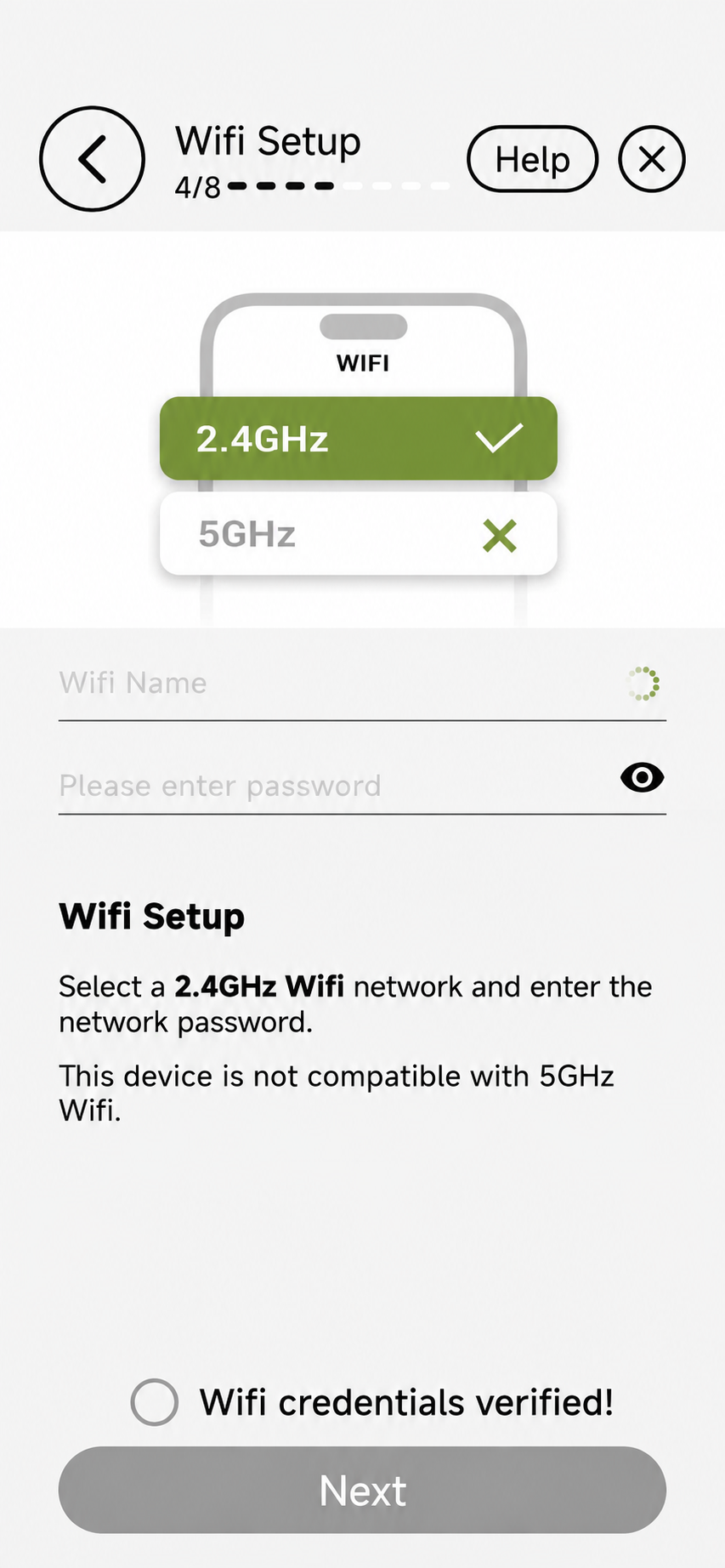
Connect to a 2.4 GHz network and verify credentials before you finish.
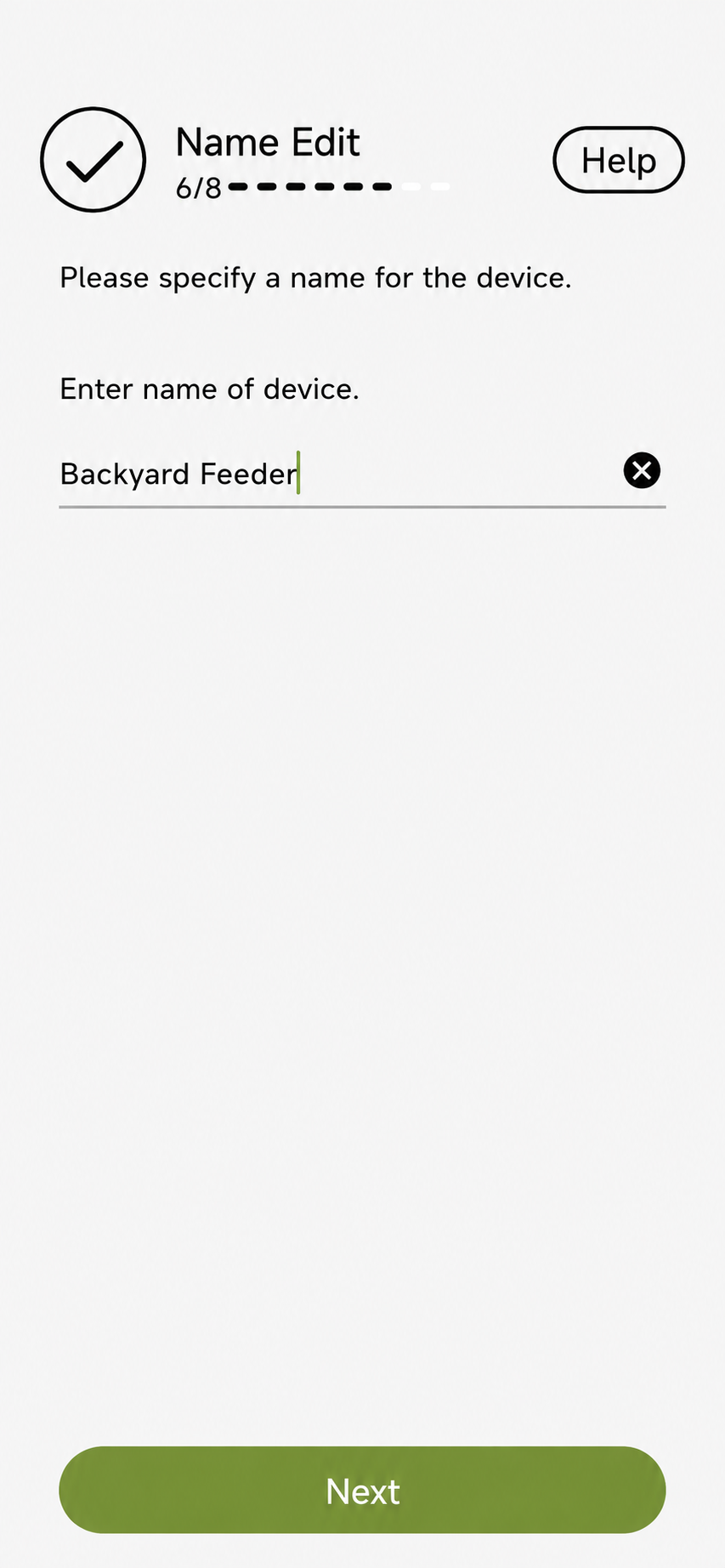
Name each feeder so every visit is easy to follow.
Birdnee watches around the clock and helps identify the visitors in your garden.
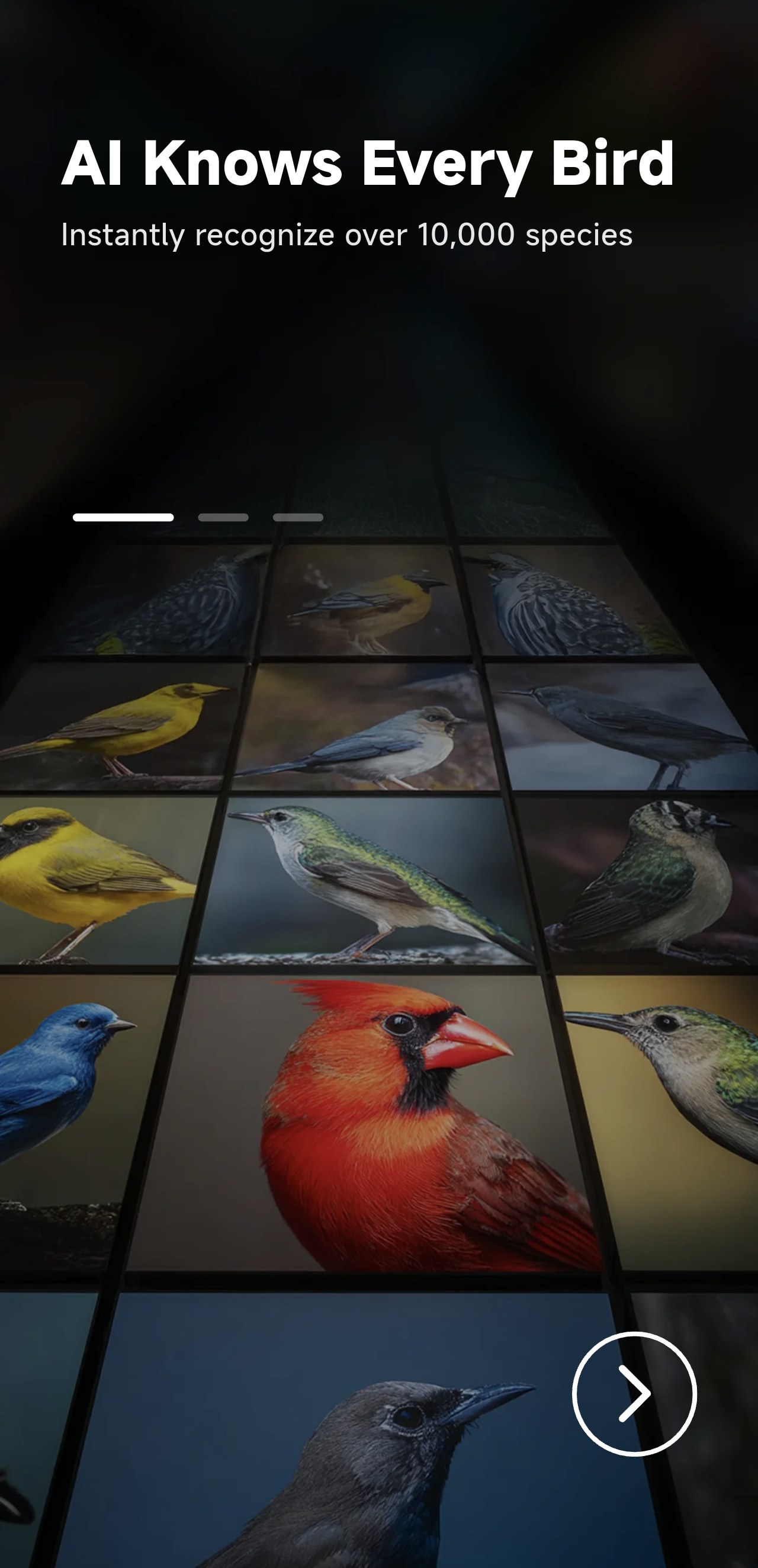
Recognize species and build a personal field guide.
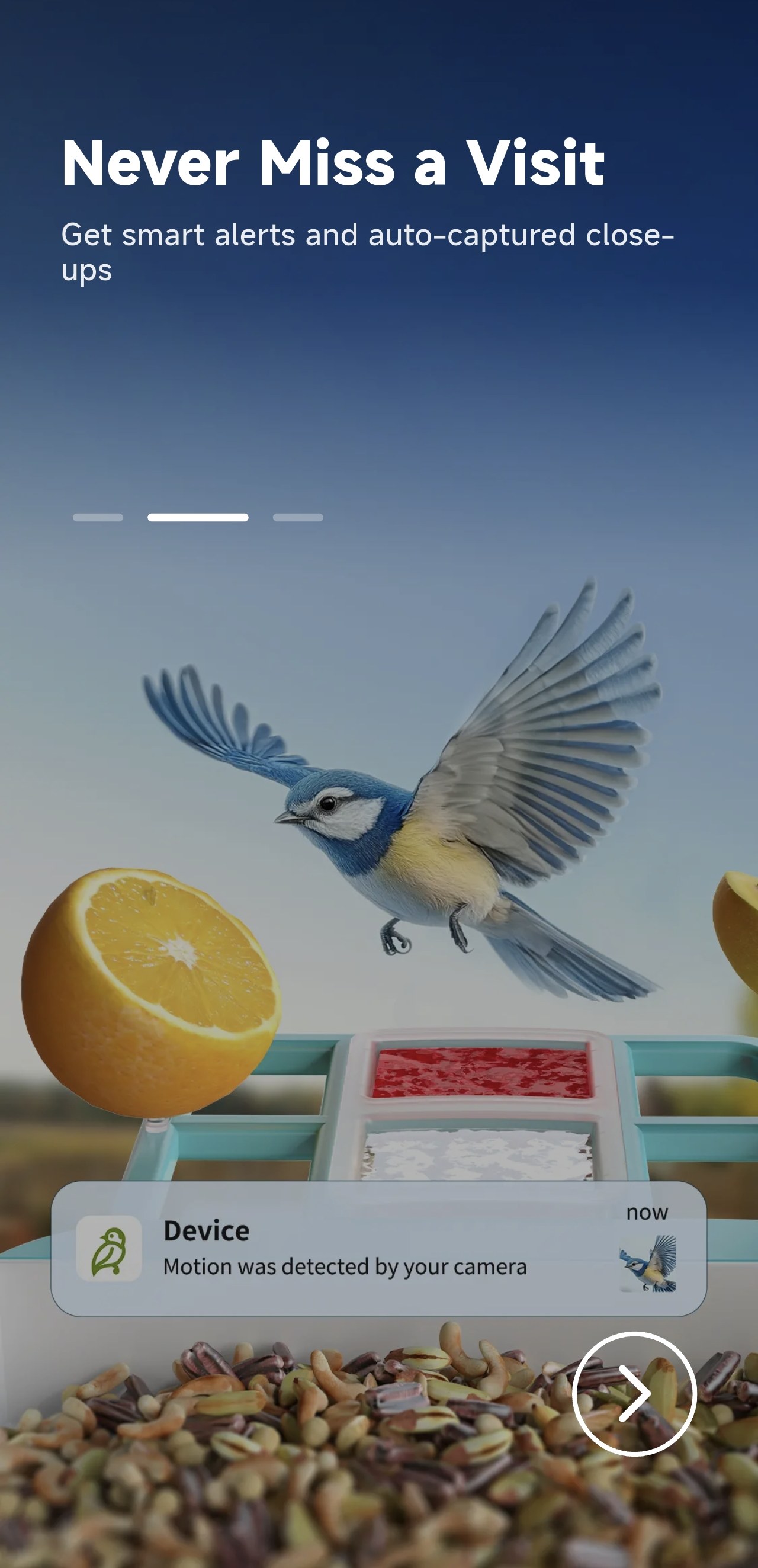
Motion alerts and automatic captures keep you close.
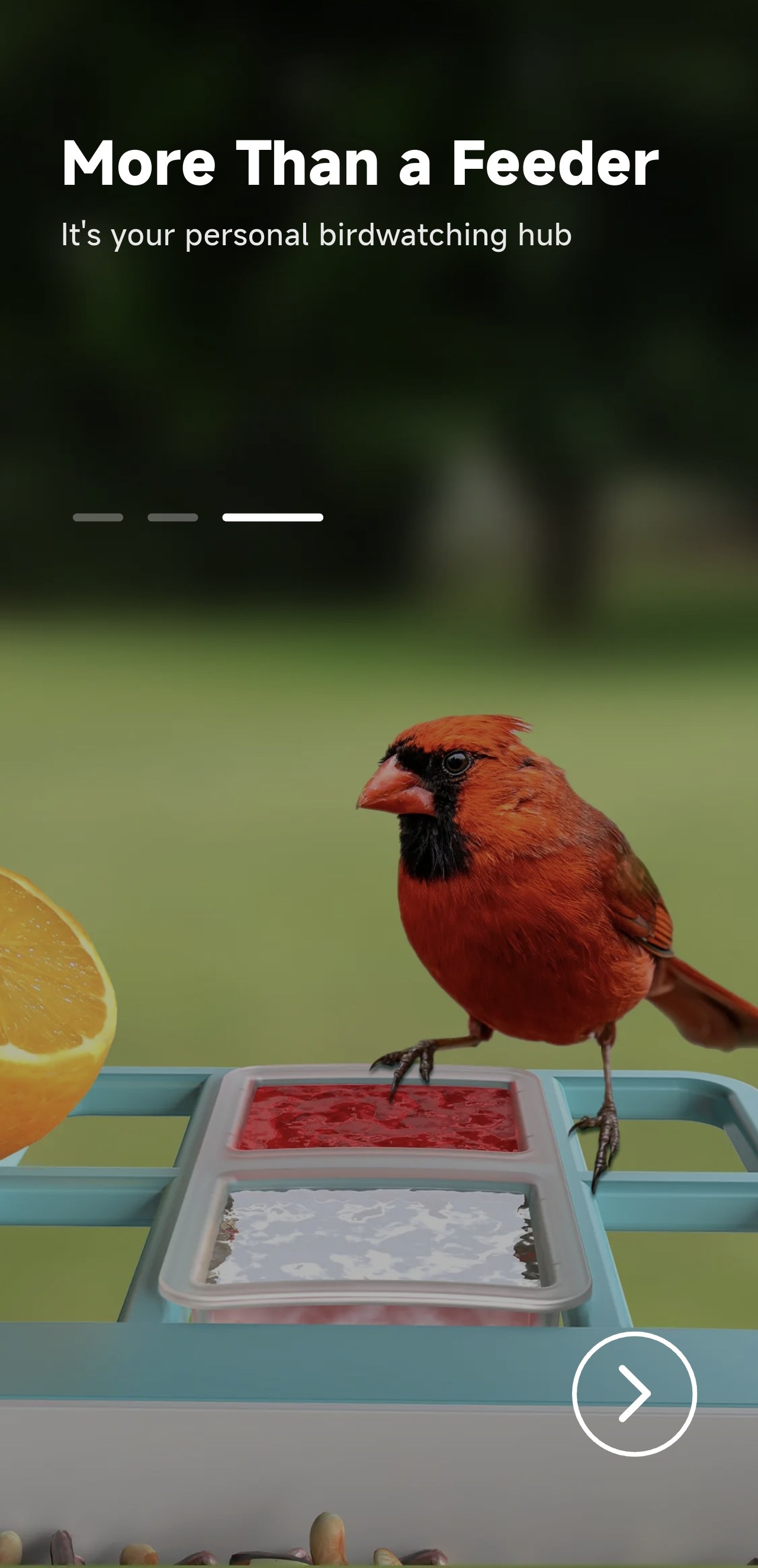
Turn everyday feeding into a richer bird-watching habit.
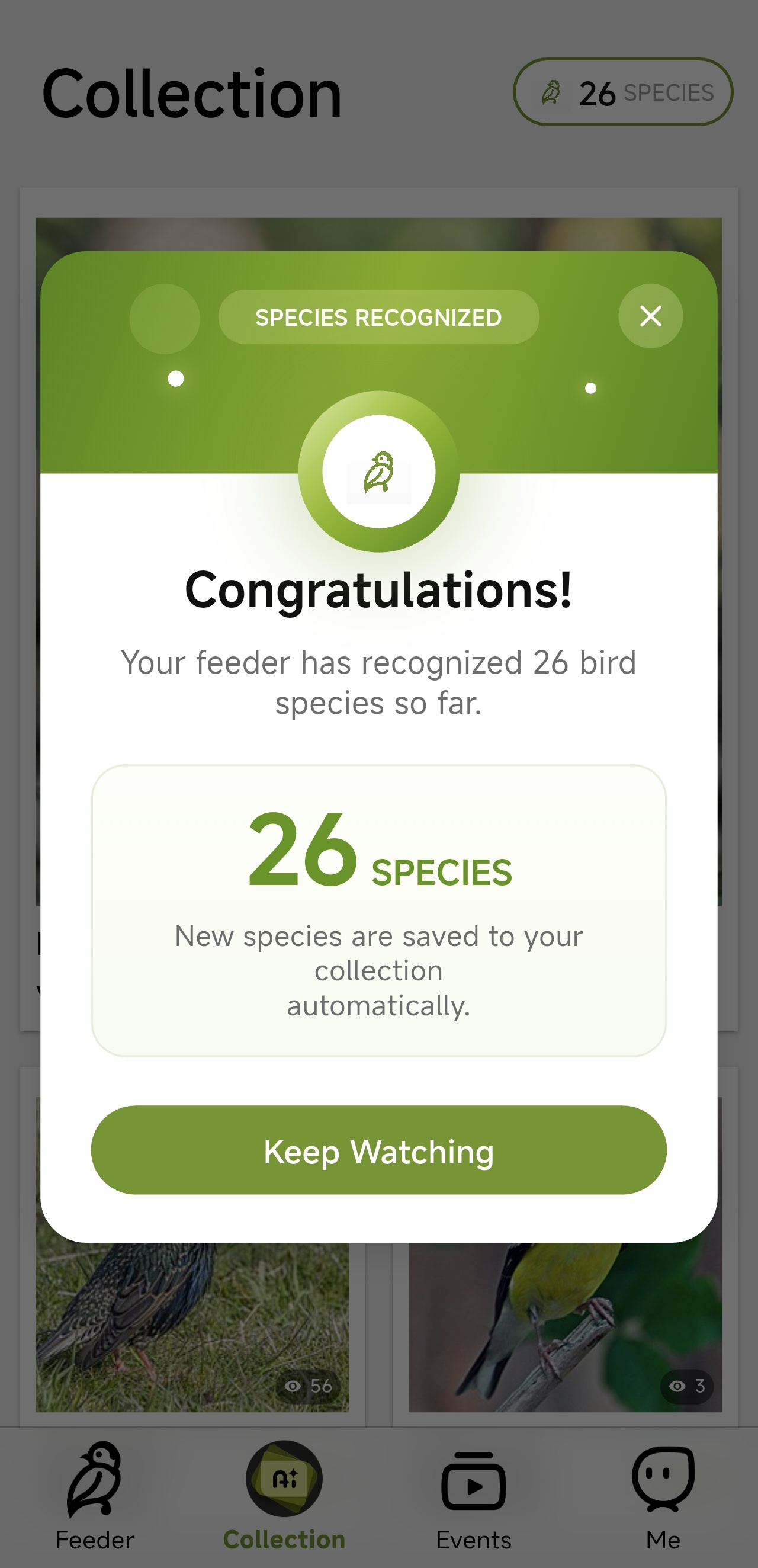
See how many bird species your feeder has recognized. Newly identified species are saved to your collection automatically, ready for you to revisit.
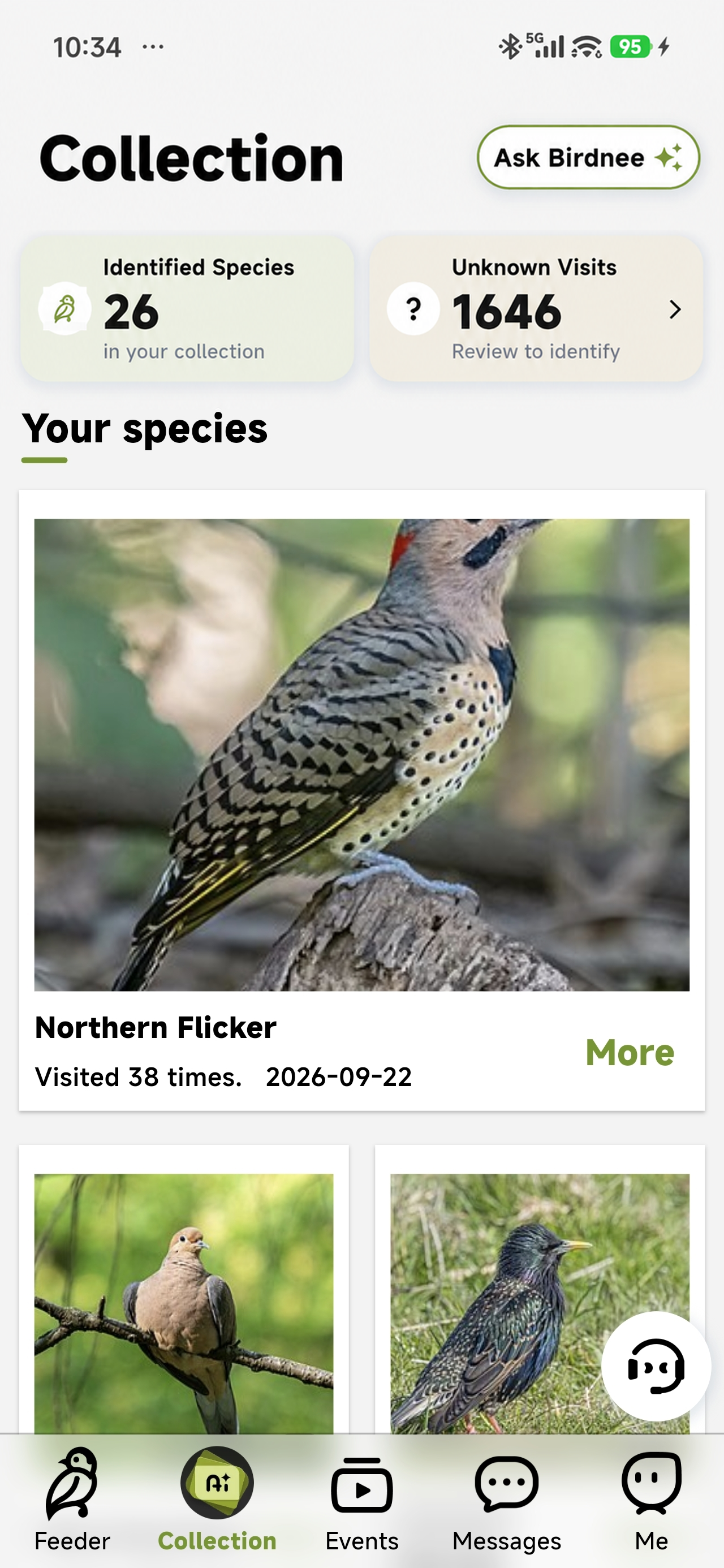
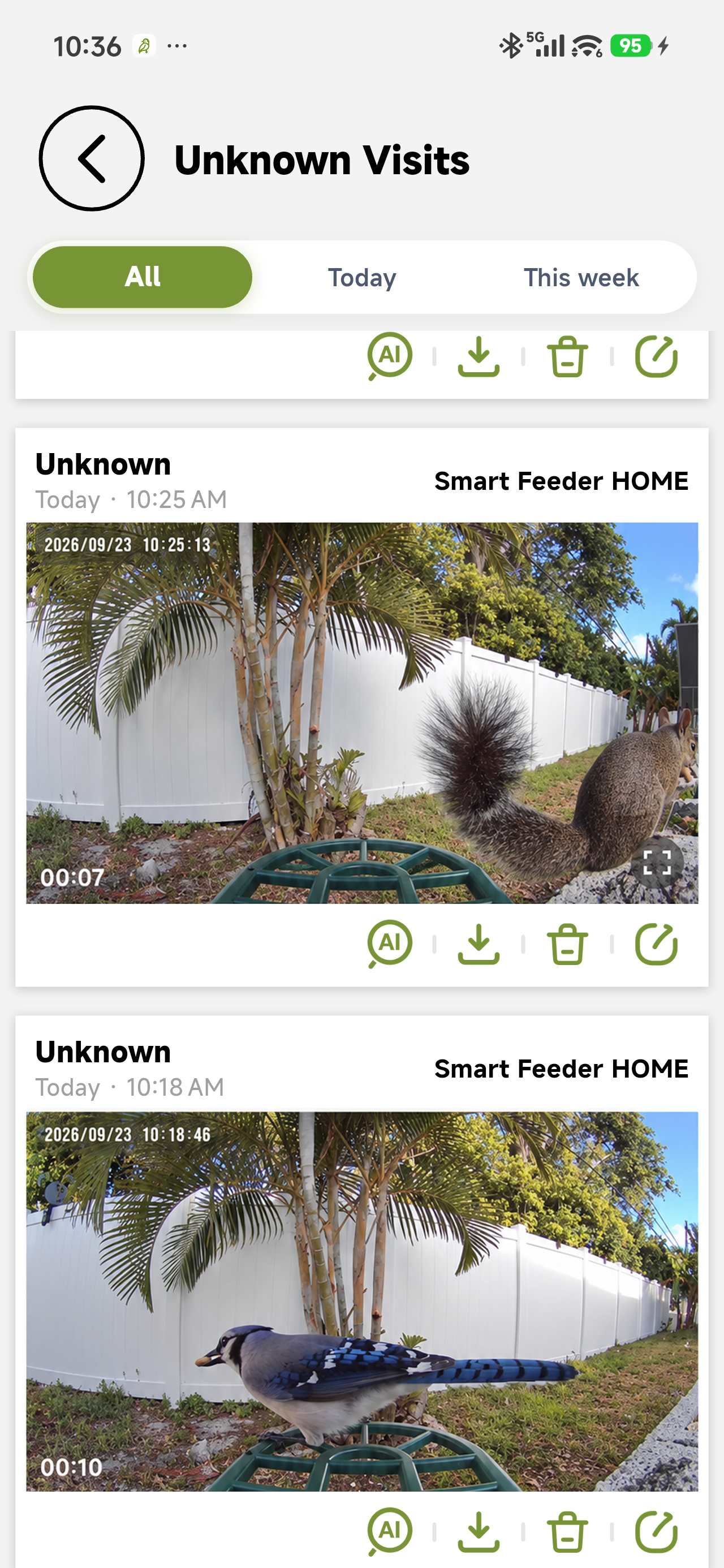
Review captured moments, revisit unknown visitors, and get a clearer picture of the birds stopping by your feeder.
Open a live stream, pinch to zoom, record a clip, take a snapshot, or talk back through the feeder.
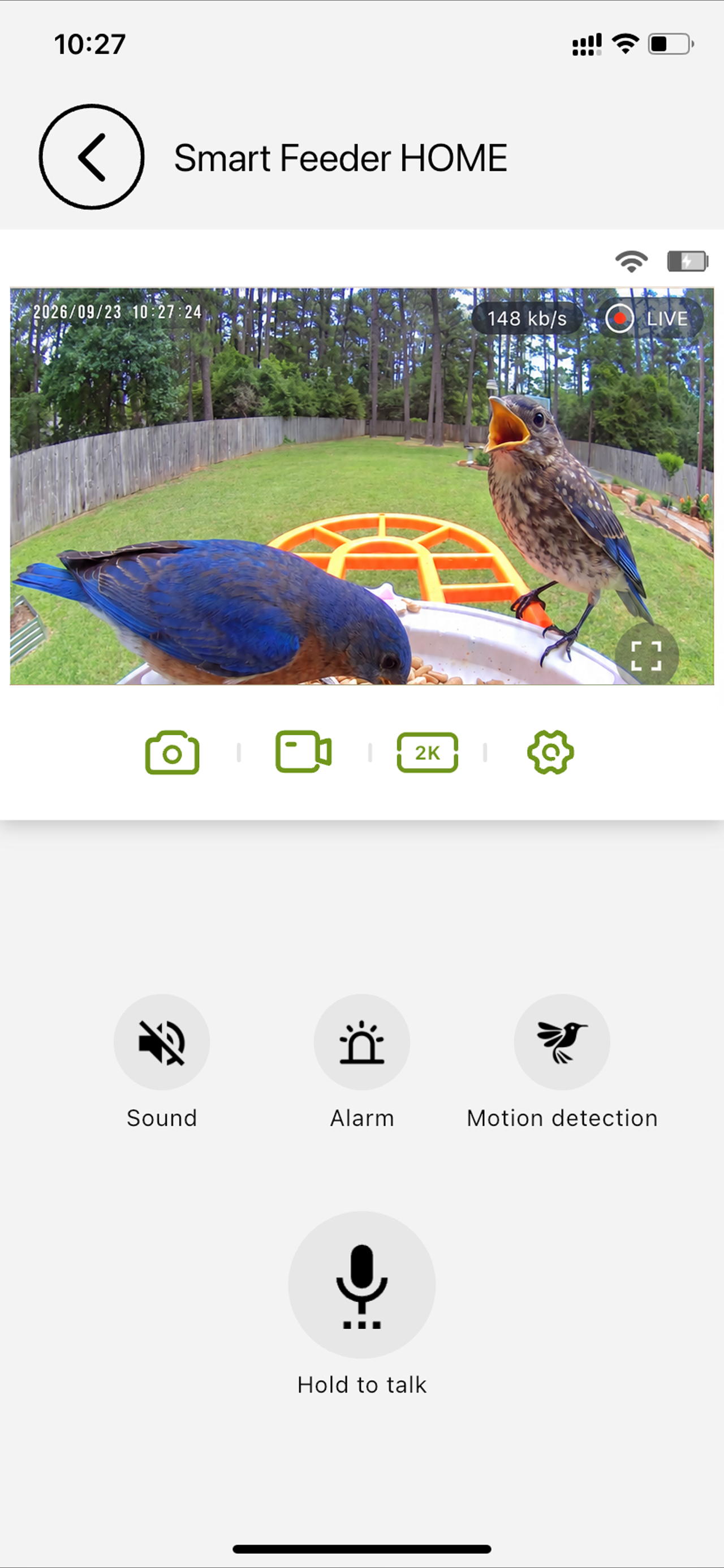
Watch in portrait or fullscreen. Pinch to zoom, or use the fullscreen zoom slider to look closer.
Check Wi-Fi, cloud and SD status, and open the device settings available to your account.
Take a snapshot or record a clip, then save the finished video to your phone’s photo library.
Turn live sound on or hold the microphone to speak through the feeder with two-way intercom.
Switch the live stream resolution when the network or viewing conditions change.
Events keeps a date-based timeline of clips. Switch Cloud or SD storage, then play, download, share, or delete a moment.
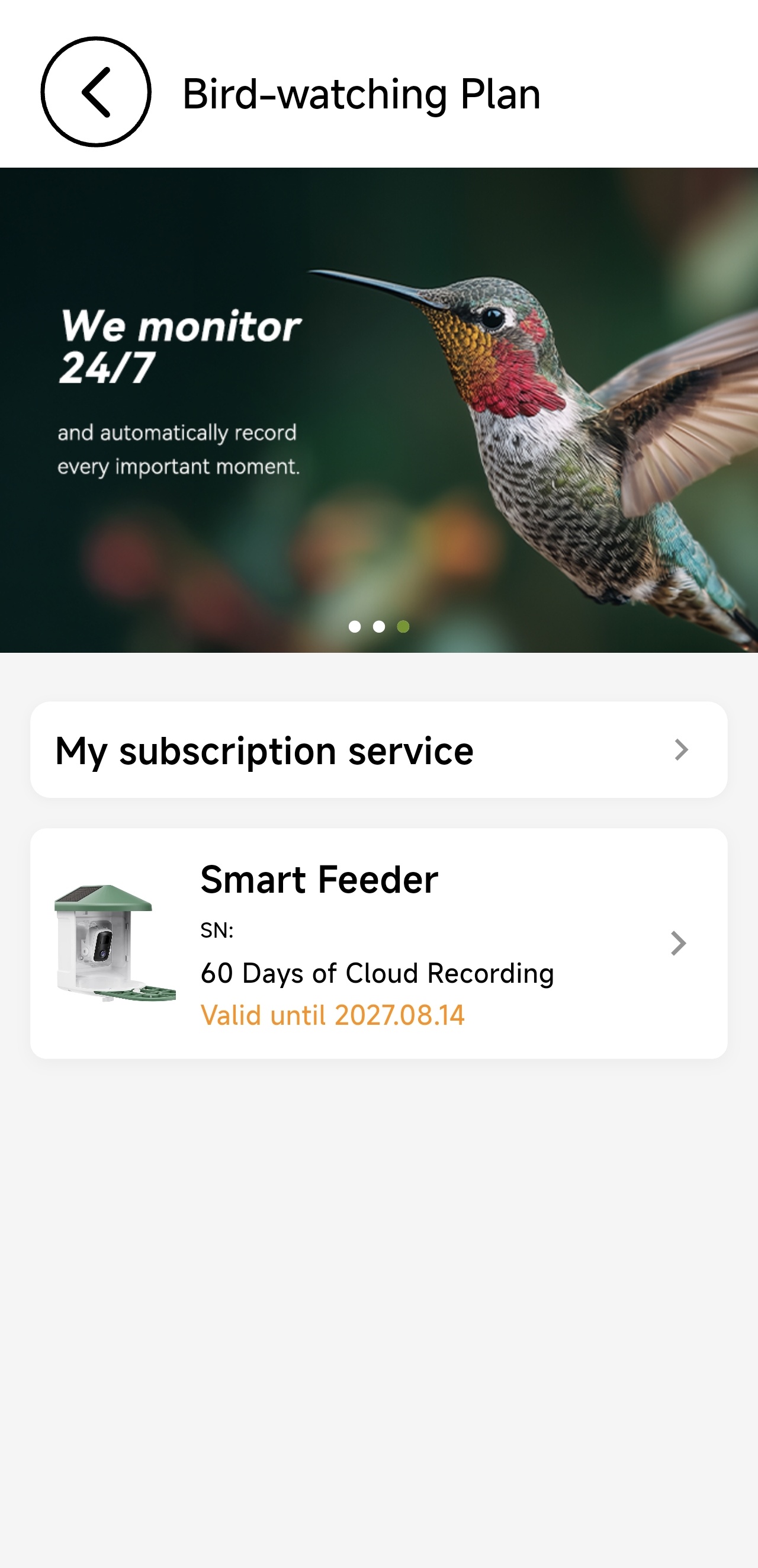
See your service status and recording coverage at a glance.
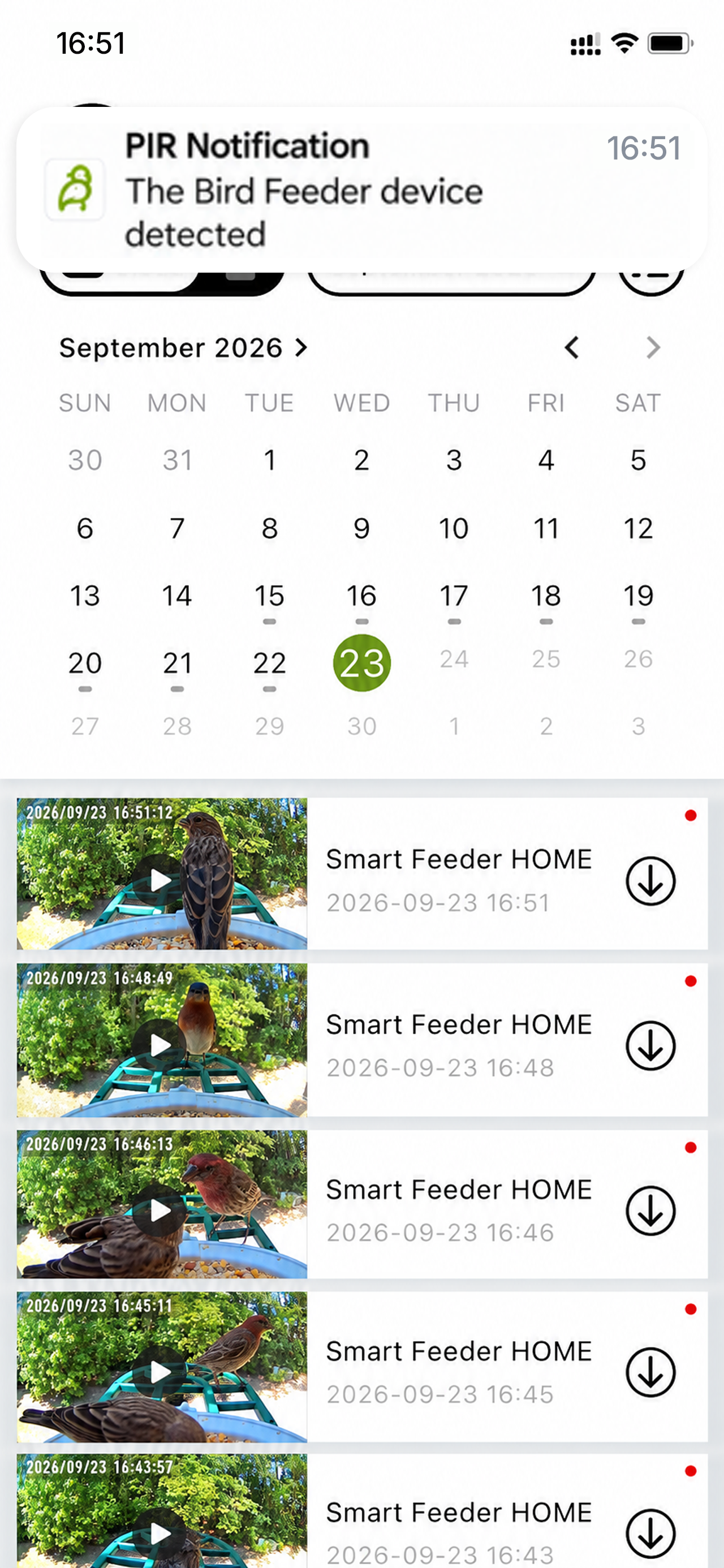
Filter by day, open a clip, and manage saved moments from the timeline.
Get notified when new birds are detected, then open the alert to see the visit details.
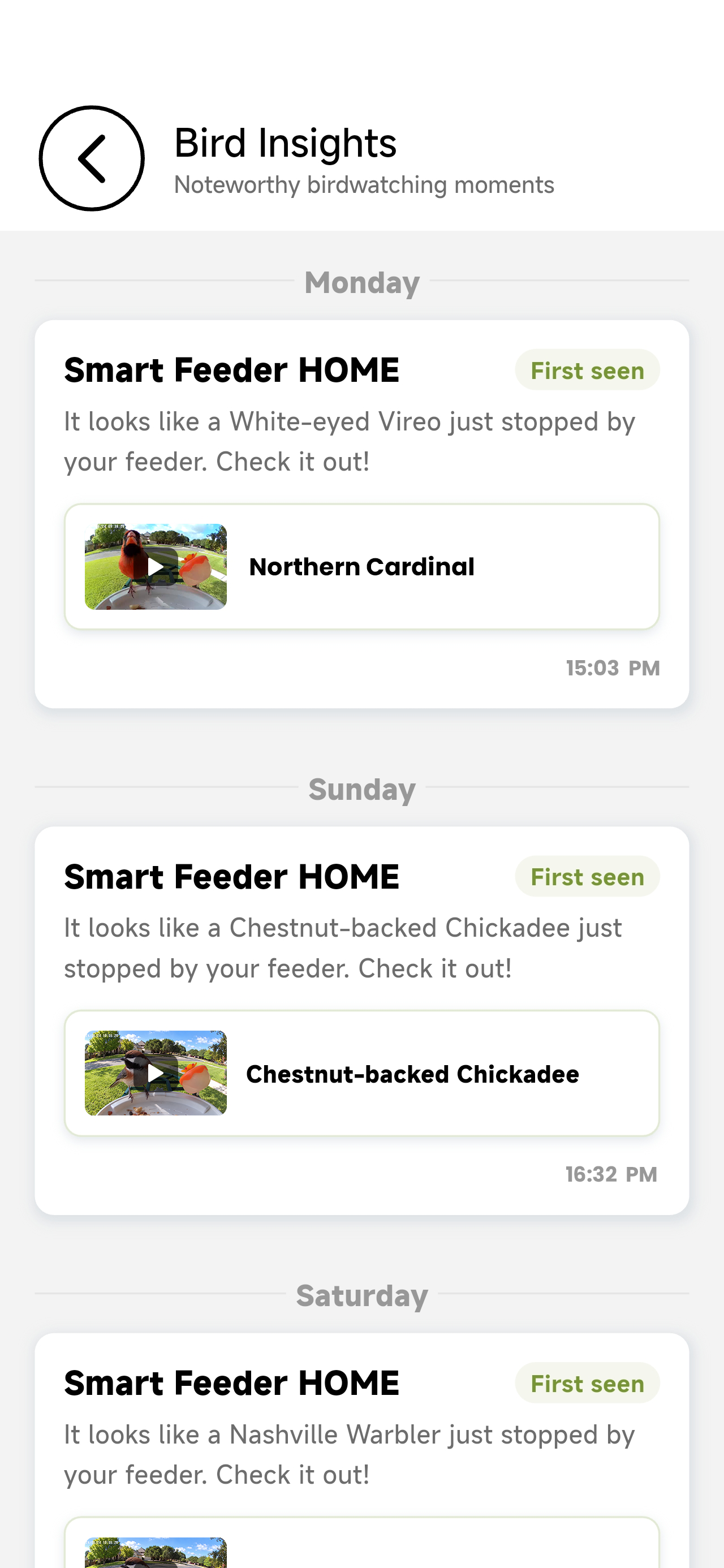
Bird Insights turns new bird detections and bird-like visits into clear messages, so you can quickly see what caught your feeder’s attention.
Open a message to review the visit, explore the bird details, and keep following the species that return to your backyard.
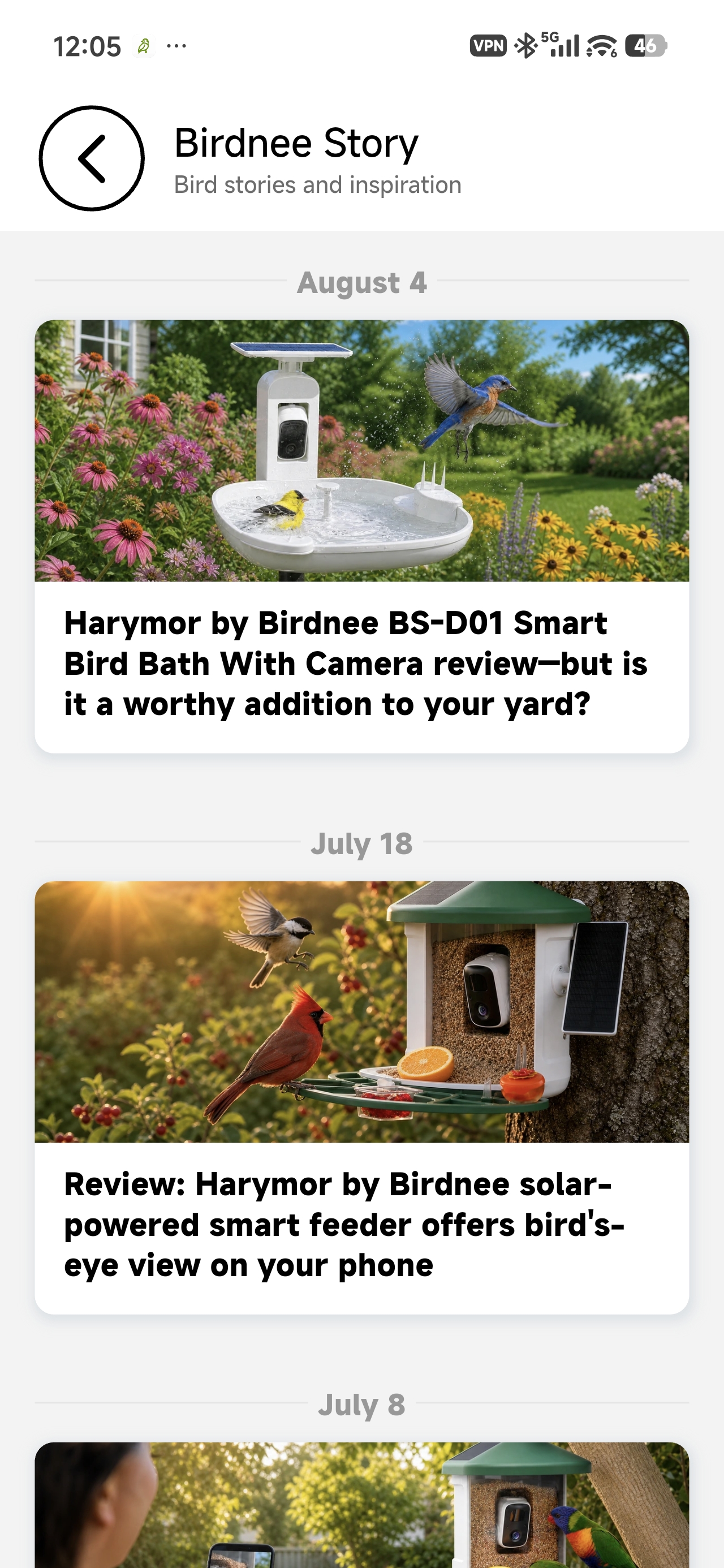
Discover Birdnee stories, creator posts, and product reviews in one place.
Birdnee Story brings together brand stories, creator posts, and product reviews so you can keep learning beyond the feeder.
Browse helpful articles, watch new content, and find fresh ideas for making more of every backyard visit.
Tune notifications and manage your feeder from the same friendly app.
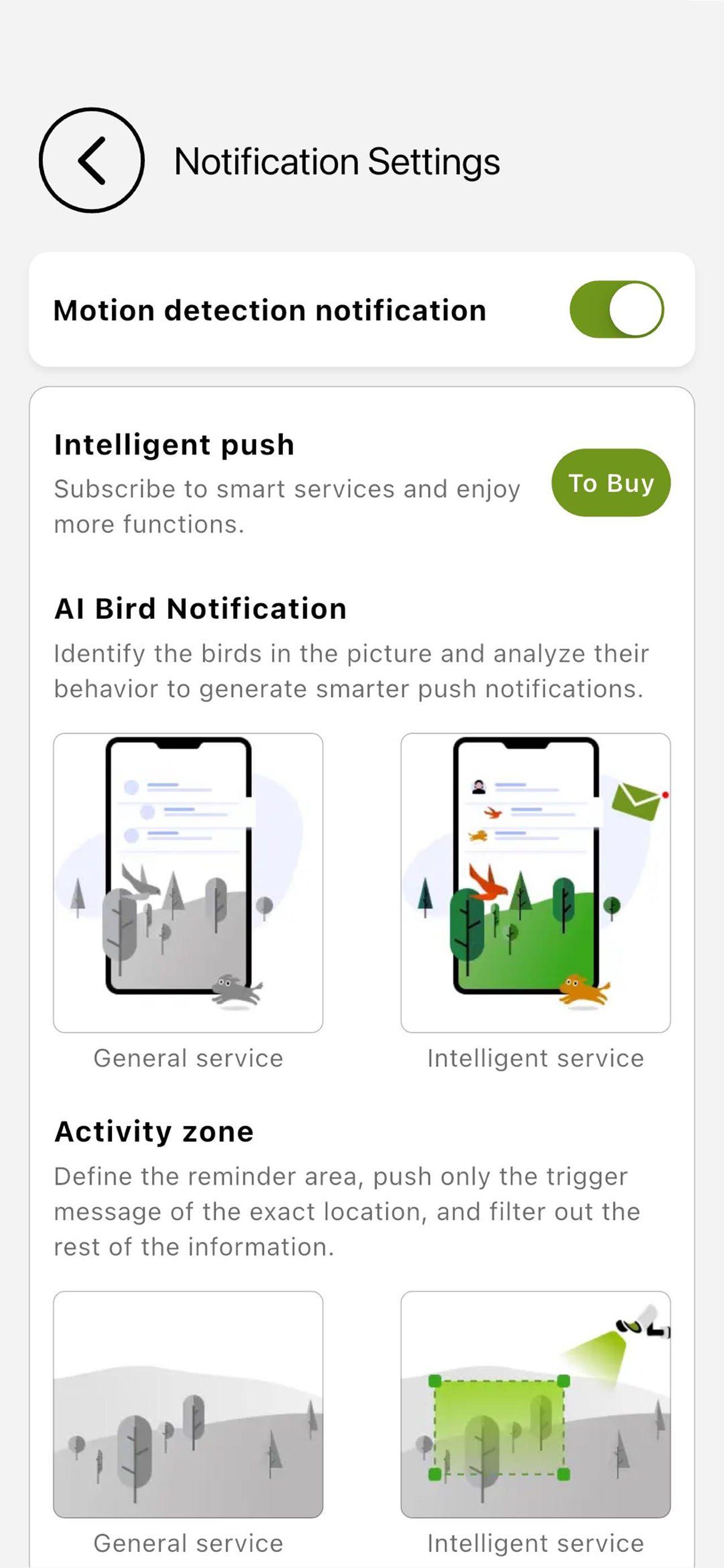
Choose motion and intelligent push notifications that fit your day.
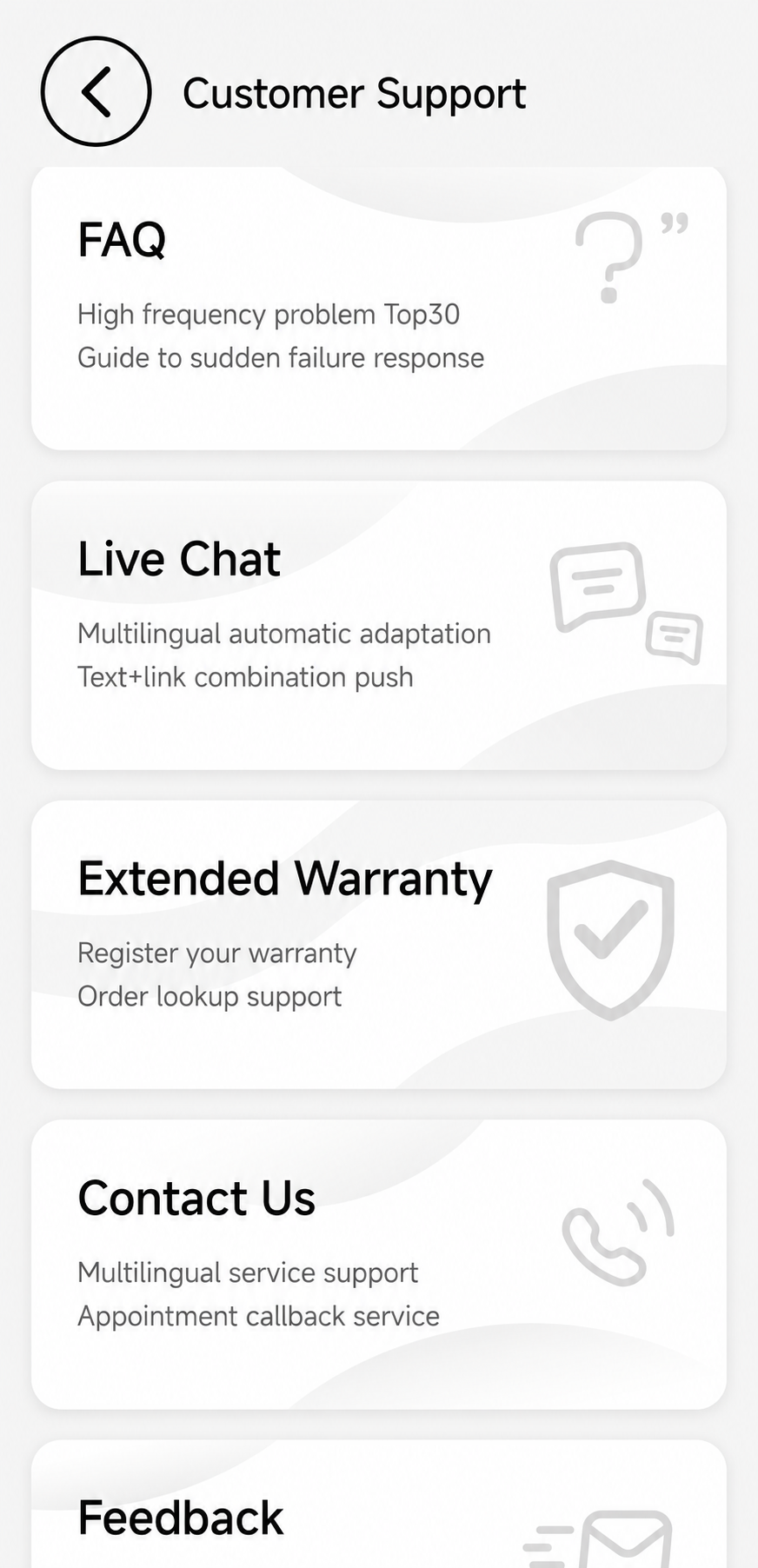
FAQ, Contact Us, and support are always a tap away.
Download Birdnee and start a closer look at the life around you.